2. Build a house
Created onsdag 18 september 2024
make a buildingplan
Press [TAB] and either select building plan in quick or select "Crafting" in top menu
In Crafting selecting buildingplan in left side..
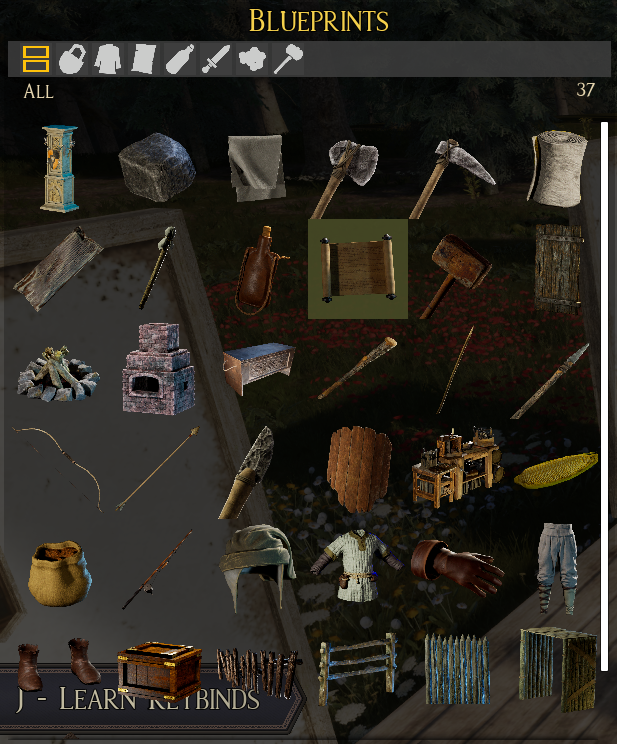
..will show you the materials needed in the right side
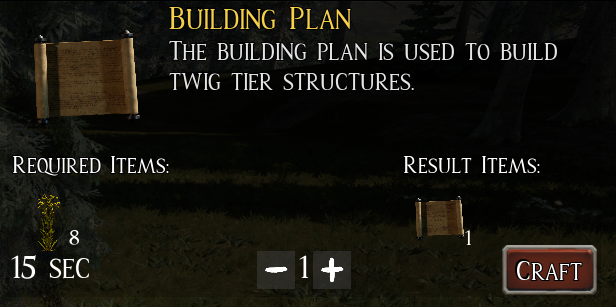
where you can change the amount you want to make of an given item with +/-
In this case you only need one building plan
With buildingplan active right-click on ground, and a selectionwheel show, and the select "foundation"
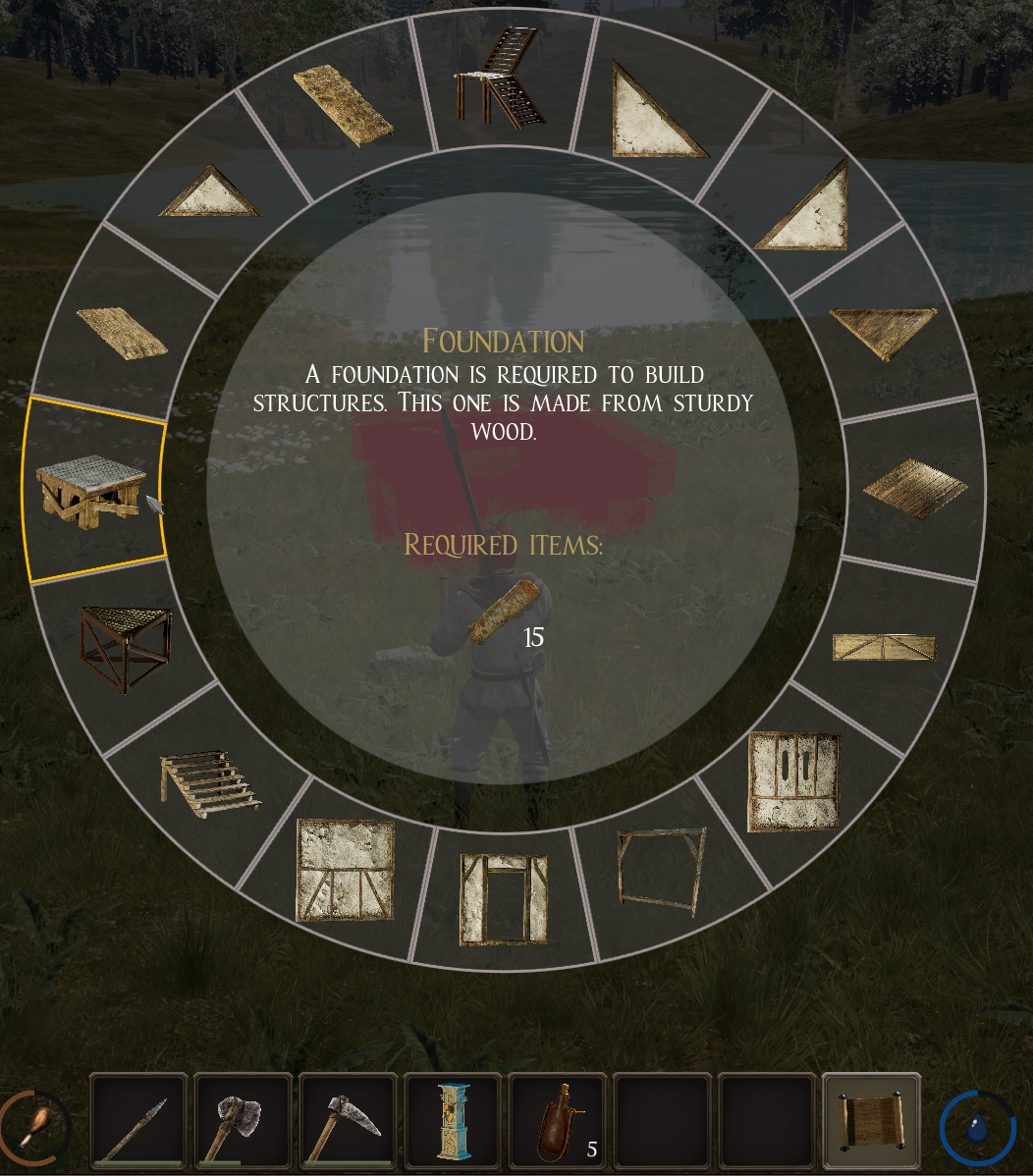
When green foundation can beplaced, and as default subesequent snapping to place more to make a bigger floor.
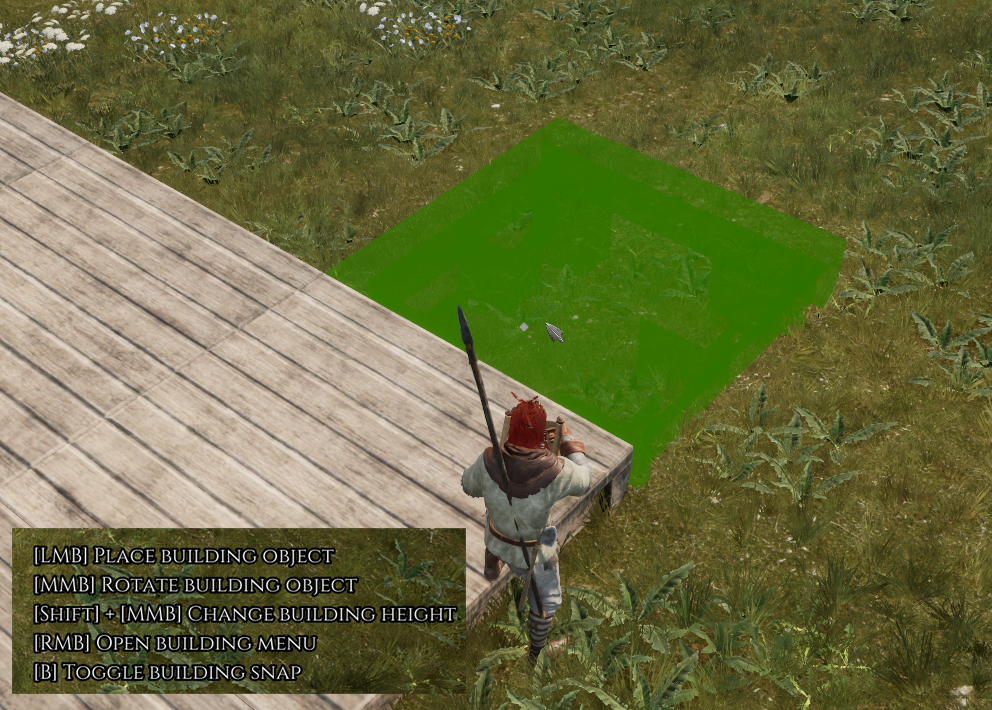
After that walls can be placed on edges of foundarion, being outer walls or rooms
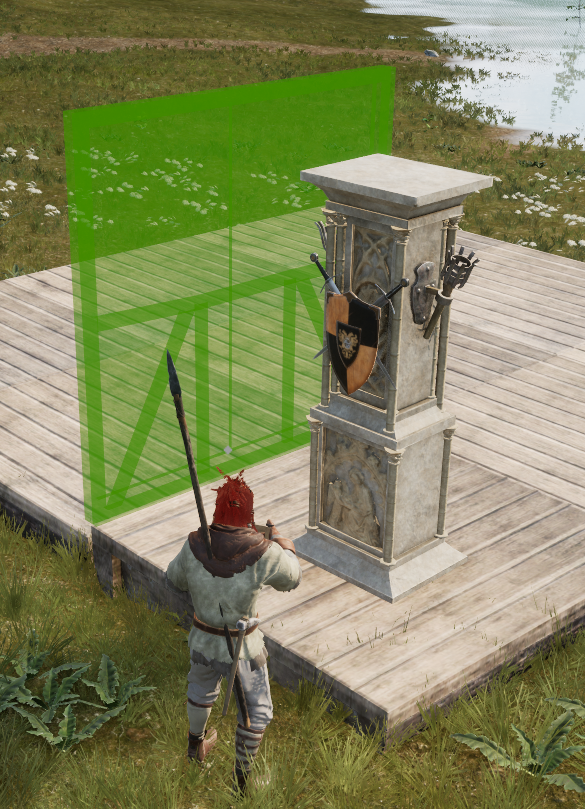
House can now be build by using the buildplan and select walls, stairs etc
Backlinks: Games3D:Games:CrestFallen:MiniGuides